Cordary TeamOfficial Cordary account5 min read
How to Build a Discord Server with AI (Step-by-Step)
How to use AI to plan and build a Discord server: describe your community, review the draft roles, channels and permissions, then apply only what you approve.
Updated
In this post
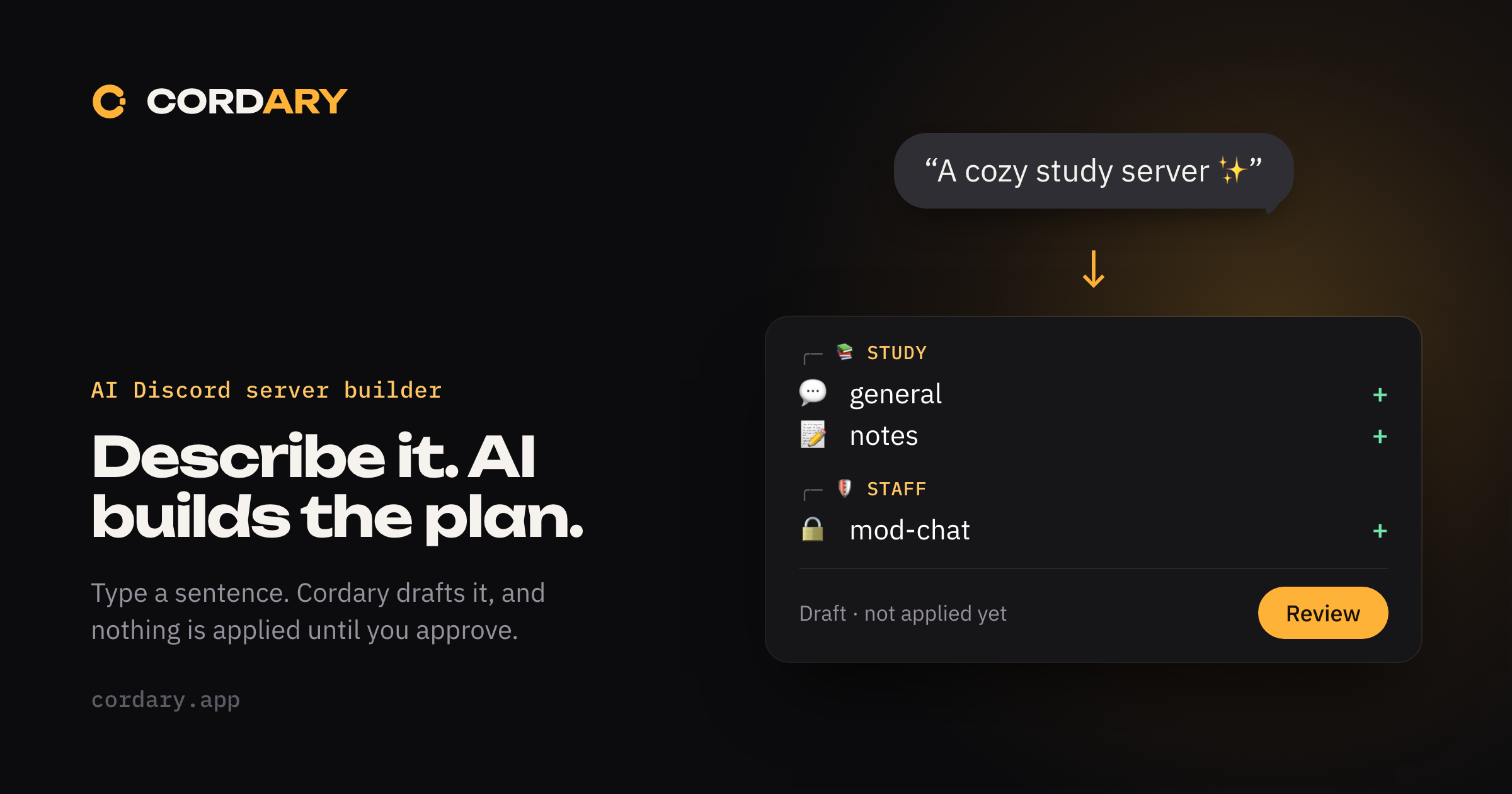
Setting up a Discord server by hand means a lot of small decisions and a lot of clicking: categories, channels, roles, and a permission toggle for each. AI is good at the part that's tedious and easy to get wrong: turning "what I want" into a complete structure.
It's also a tool that can do real damage on a live server if it acts without asking. So how it works matters more than which model is behind it. This guide shows the workflow and the safeguards to look for.
What "building a server with AI" actually means
With an AI server builder, you describe your community and the tool produces a plan for the server's structure:
- Roles and their order
- Categories and channels, including voice channels
- Permissions, such as which roles can see or write in each channel
It doesn't run your community for you. It doesn't moderate, write your rules for you, or decide what your members want. It builds the scaffolding, and you decide whether it's right.
Why review-before-apply is the whole point
An AI that writes to your server directly can make mistakes that are hard to see and annoying to undo: a private channel left visible, a role in the wrong place, a permission granted too broadly.
A safer design splits the work in two:
- Plan. The AI proposes changes as a draft. Nothing on your server changes.
- Apply. You read the draft, change what you don't like, and only then approve it.
Look for a tool that shows you a clear list of what will change, builds on your actual server rather than a guess, and can undo what it did. Cordary works this way: it computes a diff against your live server, shows it for review, takes a snapshot first and can roll back what it created.
Step by step with Cordary
1. Sign in and add the bot
Sign in with Discord, then add the Cordary bot to a server you manage. Cordary only offers servers where you hold the right permissions, and checks them again when you act. It signs you in with Discord's basic profile scope, so it doesn't get access to your messages or your account.
2. Describe the server in plain language
Start the chat and say what you want. You don't need a formal spec. These work:
- "A calm study server for about 200 students, with quiet hours and a small mod team."
- "A Valorant squad of eight. We need somewhere to find games, share clips and run scrims."
- "A community for fans of a podcast. Public discussion, a private space for the mods."
Good descriptions share a few things: who it's for, how big it is, what members do, who runs it, and anything that must stay private. If you leave something out, Cordary asks.
3. Answer follow-up questions
Cordary may ask short questions to fill gaps: do you want voice channels, should newcomers see only a welcome area until they agree to the rules, and so on. Answer as much or as little as you like.
4. Review the draft
Now you get a draft, not changes to your server. You'll see:
- A preview of the proposed server: categories, channels and roles
- A Changes list of exactly what would be created, edited or removed
- Notes and warnings where something can't be done or needs your attention
Read it the way you'd read a pull request. Is anything private that should be public, or the other way round? Are the roles in the right order? Is there a channel you'd never use?
5. Talk it into shape
You can keep chatting to adjust the draft:
- "Rename Squad 1 to Duo and add a Trio voice channel."
- "Make the staff area visible only to Moderators and Admins."
- "Skip the memes channel."
Each request updates the same draft, so you can iterate until it looks right.
6. Apply it
When you're happy, press Apply. Cordary applies the plan to your server step by step. Until this moment, nothing has changed.
7. Roll back if you need to
If the result isn't what you wanted, you can roll back what Cordary created. This is also why Cordary snapshots your server's state before it applies anything.
An example: from one sentence to a structure
Say you type: "A calm study server for 200 students, with quiet hours and a small mod team."
The draft might propose something like this:
| Category | Channels | Notes |
|---|---|---|
| START HERE | #welcome, #rules |
Read-only for members |
| STUDY | #general, #notes, #questions |
Open to members |
| VOICE | Quiet Study, Group Work |
Quiet Study kept for focus |
| STAFF | #mod-chat |
Visible only to mods |
with roles for Admin, Moderator and Member. Quiet hours aren't something Discord can enforce on its own, so a good tool flags that rather than pretending: you'd handle them with a rule, a bot or a scheduled message.
Writing a good description
- Say the size. 8 people and 800 people need different structures.
- Name your staff. "Two moderators and me" tells it how to set up roles.
- State what's private. Staff areas, paid-member rooms, anything that needs a gate.
- Say what you don't want. "No voice channels" is a useful instruction.
- Mention an existing server. If you already have channels and roles, say what to keep.
Safeguards worth insisting on
| Safeguard | Why it matters |
|---|---|
| Review before apply | You approve every change |
| A diff against the live server | The plan reflects what's actually there |
| Only touches what you asked about | An unrelated channel or role isn't quietly rewritten |
| Snapshot and rollback | You can undo what it created |
| You choose the bot's access | Administrator, which we recommend, or a standard set you trim yourself |
Using your own AI agent
If you already work with Claude, ChatGPT, Cursor or another agent, you can connect it to Cordary. The agent drafts the changes through Cordary, and applying them stays with you: nothing reaches your server until you review the plan in Cordary and press Apply.
When AI isn't the right tool
AI is best for building and restructuring. It's not a replacement for judgment about your community: your rules, your culture, who you trust with moderator access. And if your server is three channels and two friends, you might not need it at all.
If you want a structure drafted in minutes that you can still review line by line, try Cordary. There's a free plan to start with.
More in #guides
How to Use Cordary's Checkup: Findings, Fix This and Scheduled Checkups
A walk through Cordary's Checkup tab. Read the findings, fix one with a change you review, dismiss what's fine, run the full checkup, and set up scheduled checkups with an optional Discord post.
Should You Give a Discord Bot Administrator? When It's Fine and When It Isn't
Many Discord bots ask for Administrator. Here's what it really allows, when it's reasonable, when to say no, and how to check what a bot can do in your server.