A walk through Cordary's Checkup tab. Read the findings, fix one with a change you review, dismiss what's fine, run the full checkup, and set up scheduled checkups with an optional Discord post.
Many Discord bots ask for Administrator. Here's what it really allows, when it's reasonable, when to say no, and how to check what a bot can do in your server.
A step-by-step guide to Discord Onboarding: default channels, questions that give roles and channels, the Server Guide, and the mistakes that stop it from switching on.
A practical guide to Discord's built-in AutoMod: which rules to turn on, how to write keyword lists that don't misfire, what each action does, and who to exempt.
How to write Discord rules people actually read and a welcome message that gets new members talking, with copy-ready templates for different kinds of servers.
What a Discord Community server is, what it unlocks (Onboarding, announcement channels, the Welcome Screen and more), what Discord requires first, and how to turn it on.
Every Discord voice permission explained: Connect, Speak, Video, Mute, Deafen and Move Members, plus how to set up staff voice powers, private voice rooms and user limits.
Discord has no undo button. Here's how to find out what changed, fix it by hand, protect yourself before big changes, and what's gone for good once it's deleted.
Ready-to-use Discord layouts for a study group, a class and a larger study community: channels, voice study rooms, roles and settings that keep people focused.
Discord layouts for streamers, YouTubers and creators: channels for announcements, clips and fan art, watch-party voice rooms, supporter roles and a mod team.
A Discord layout for a small business: announcements, FAQ, customer support, feedback and a private staff area, plus roles, permissions and tips for keeping customers' details private.
A Discord layout for an open-source project: releases, help, contributing and development channels, maintainer and contributor roles, and how to keep chat from replacing your issue tracker.
What Discord forum channels are, when they beat a text channel, and how to set one up well: tags, post guidelines, default reactions, layout, slowmode and permissions.
How to make a Discord channel that everyone can read but only staff can post in, for rules, announcements and info, plus the thread, reaction and category settings people miss.
What Discord announcement channels are, how publishing and following work, how to create one, and how to get your news in front of members without pinging everyone.
How Discord slowmode works, how to turn it on, which delay to pick for different channels, who's exempt, and how it works in threads and forum channels.
Two ways to undo in Cordary: restore an earlier version of a draft before you apply, or roll back an applied run. Here's how each works and what they can't bring back.
A step-by-step guide to connecting ChatGPT, Claude or another AI assistant to your Discord server through Cordary, so it can draft changes you review before anything happens.
A step-by-step guide to Cordary's memory: teach it how you work, read the line above its replies, manage the Memory window, forget things and keep it private.
A step-by-step guide to the Cordary workspace: find things, edit channels, roles, permissions, settings and posts, drag to reorder, undo, then review and apply.
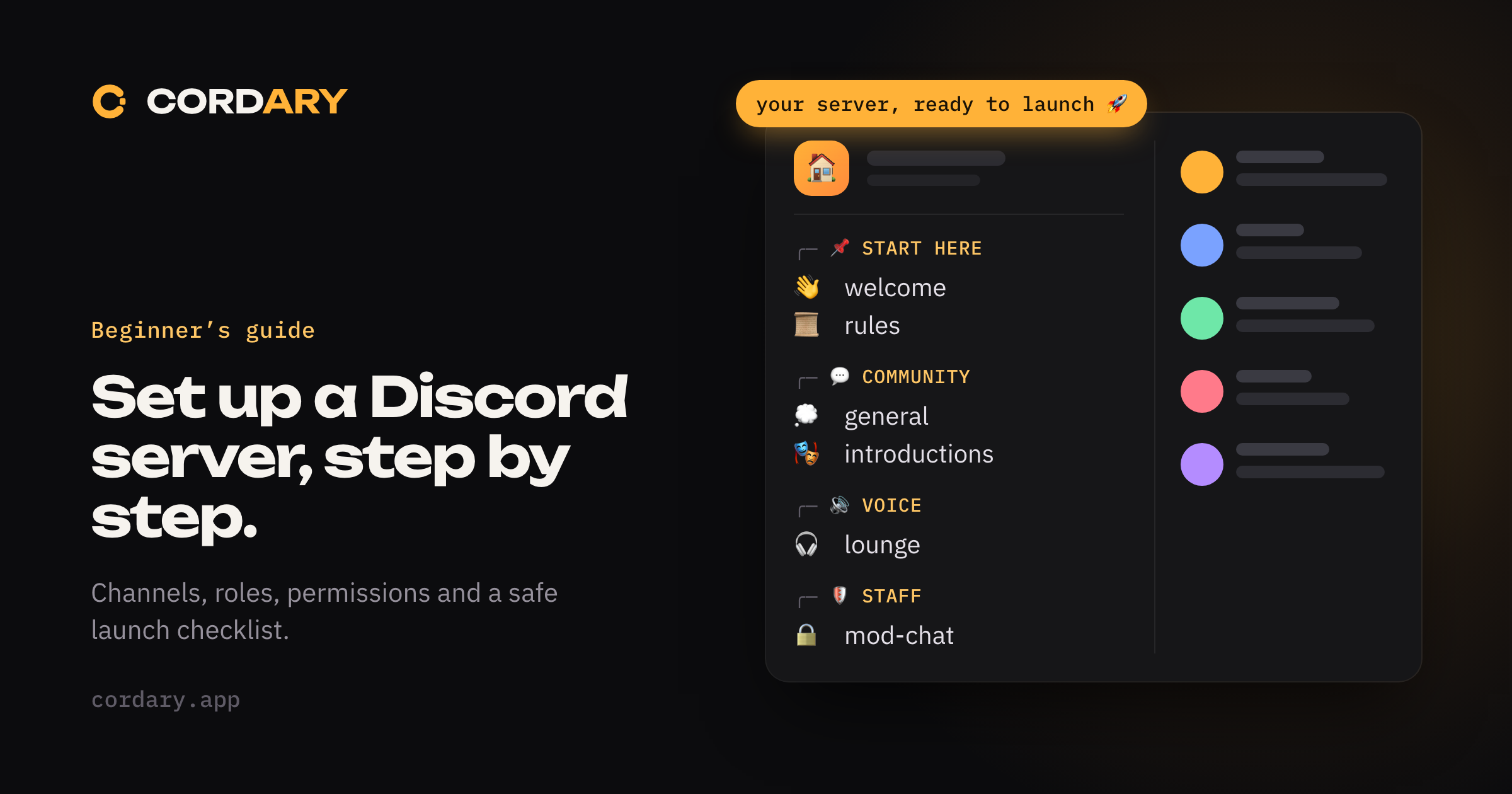
A step-by-step guide to setting up a Discord server: plan your channels, create roles, lock down permissions, add safety settings and prepare for launch.
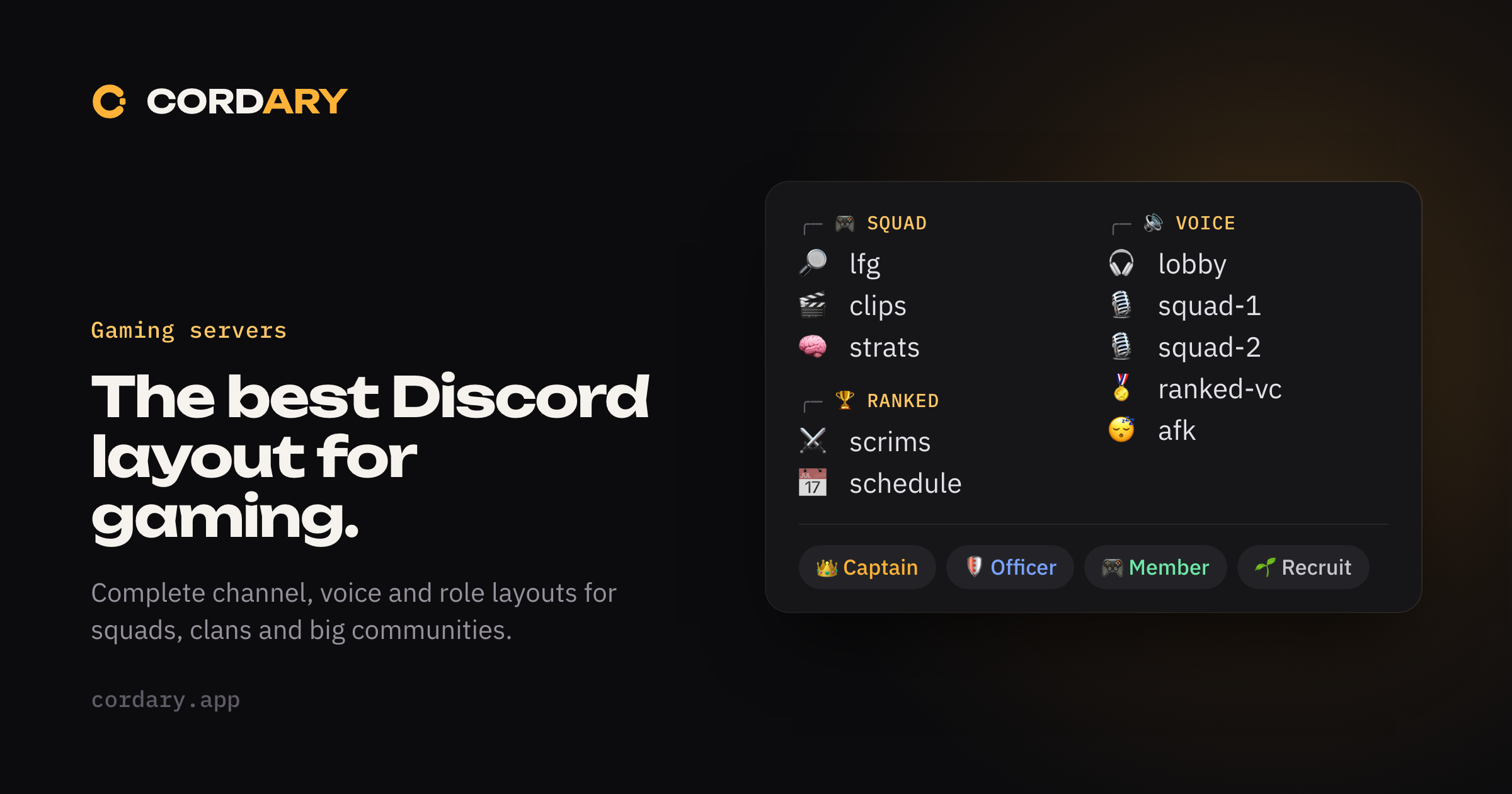
Complete Discord layouts for gaming: a small squad, a clan and a growing community, with channels, voice rooms and roles for each, plus mistakes to avoid.
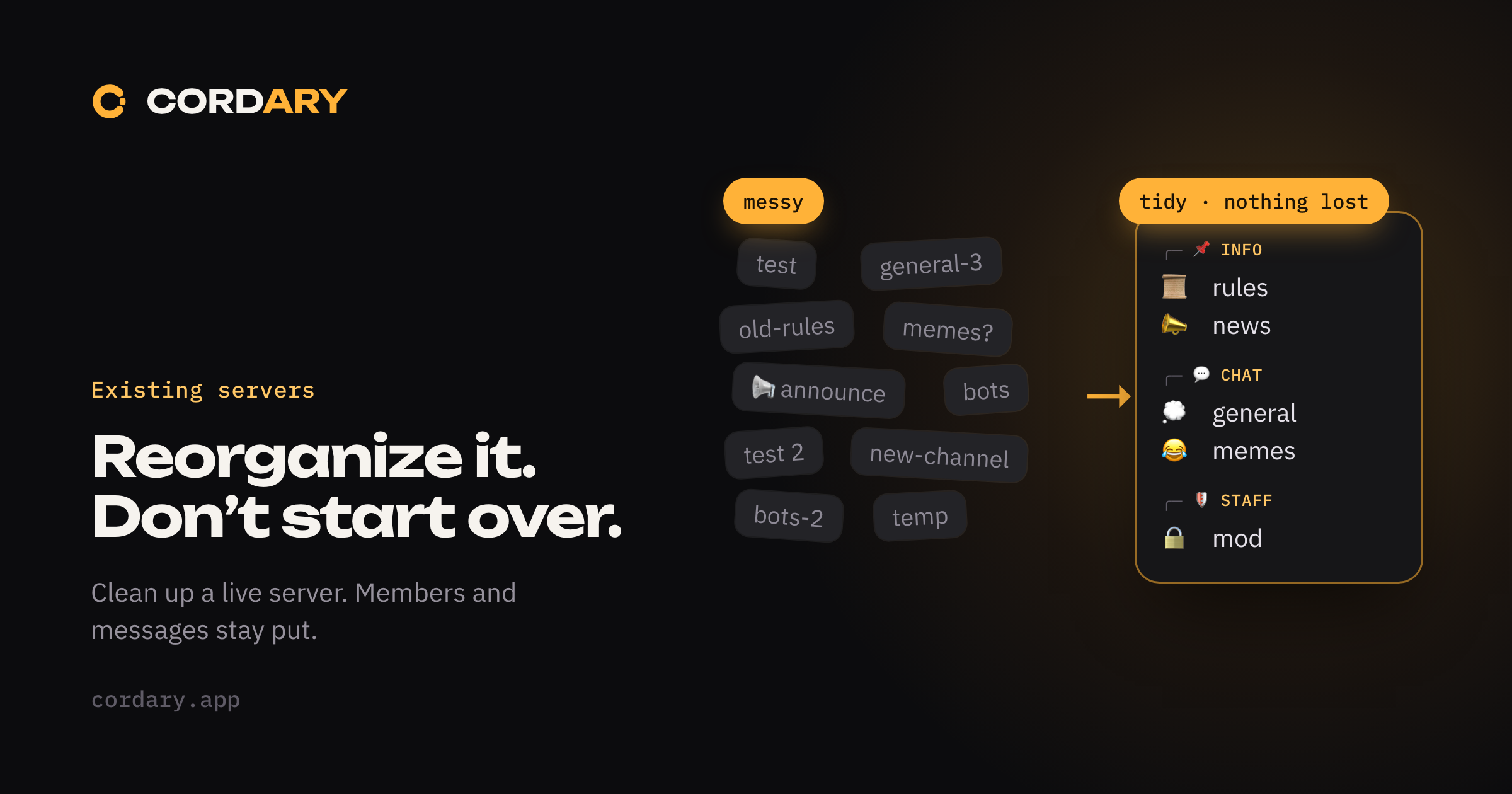
Clean up a running Discord server without losing members or messages: audit channels, regroup them, archive instead of deleting, and keep permissions intact.
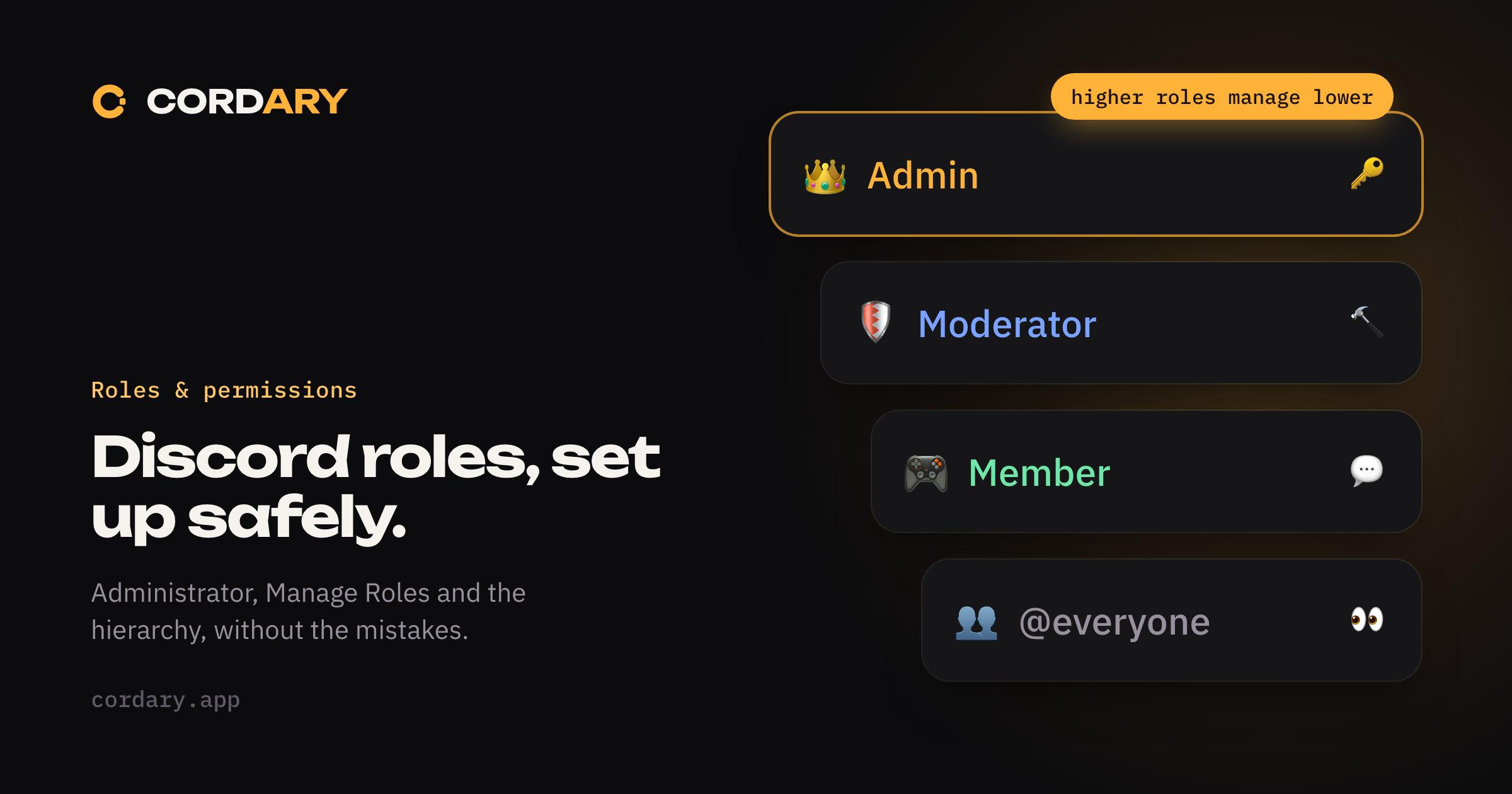
How Discord roles, the role hierarchy and permissions work, which permissions are dangerous, and how to set up staff roles and @everyone without opening a hole.
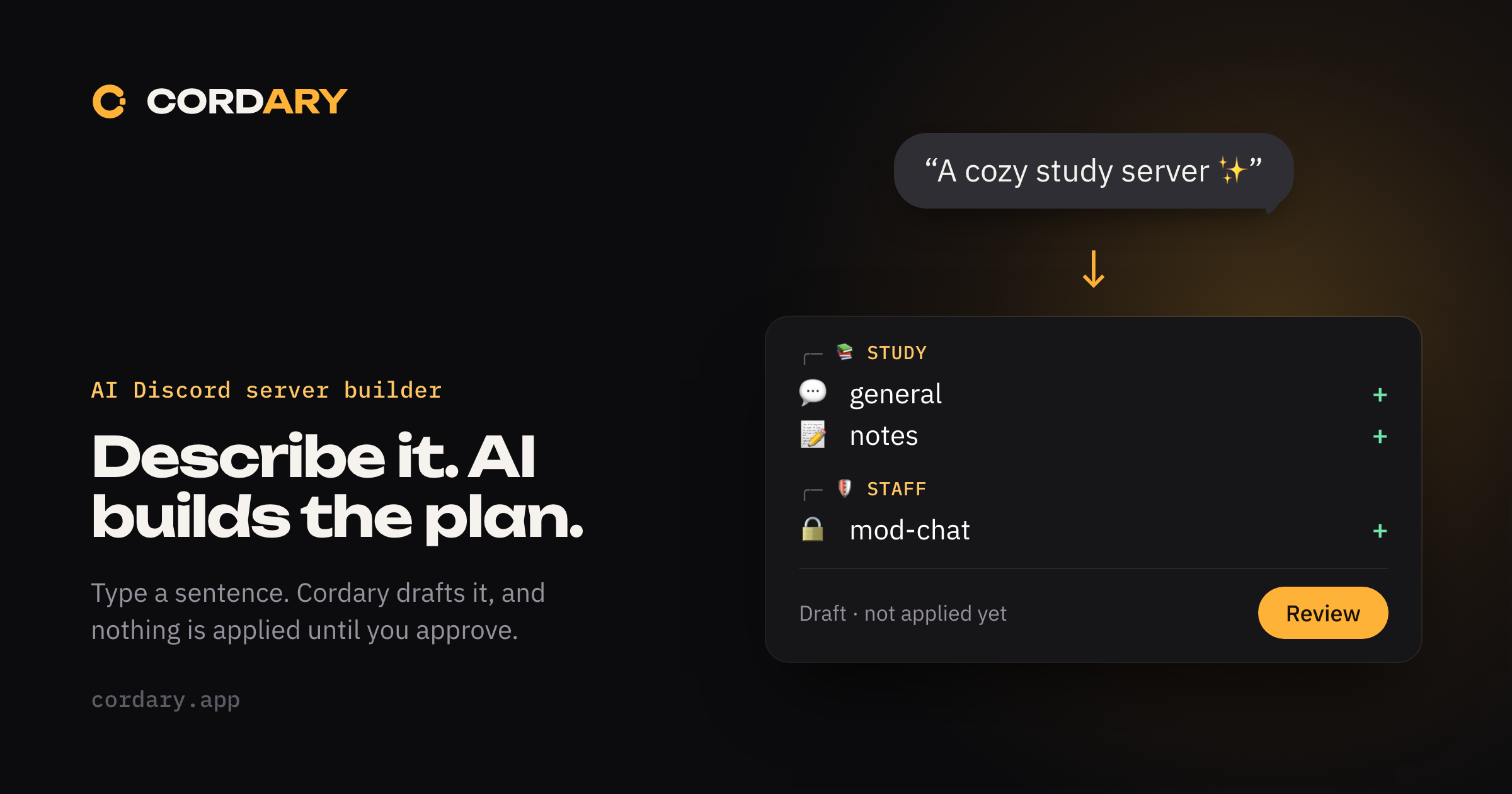
How to use AI to plan and build a Discord server: describe your community, review the draft roles, channels and permissions, then apply only what you approve.
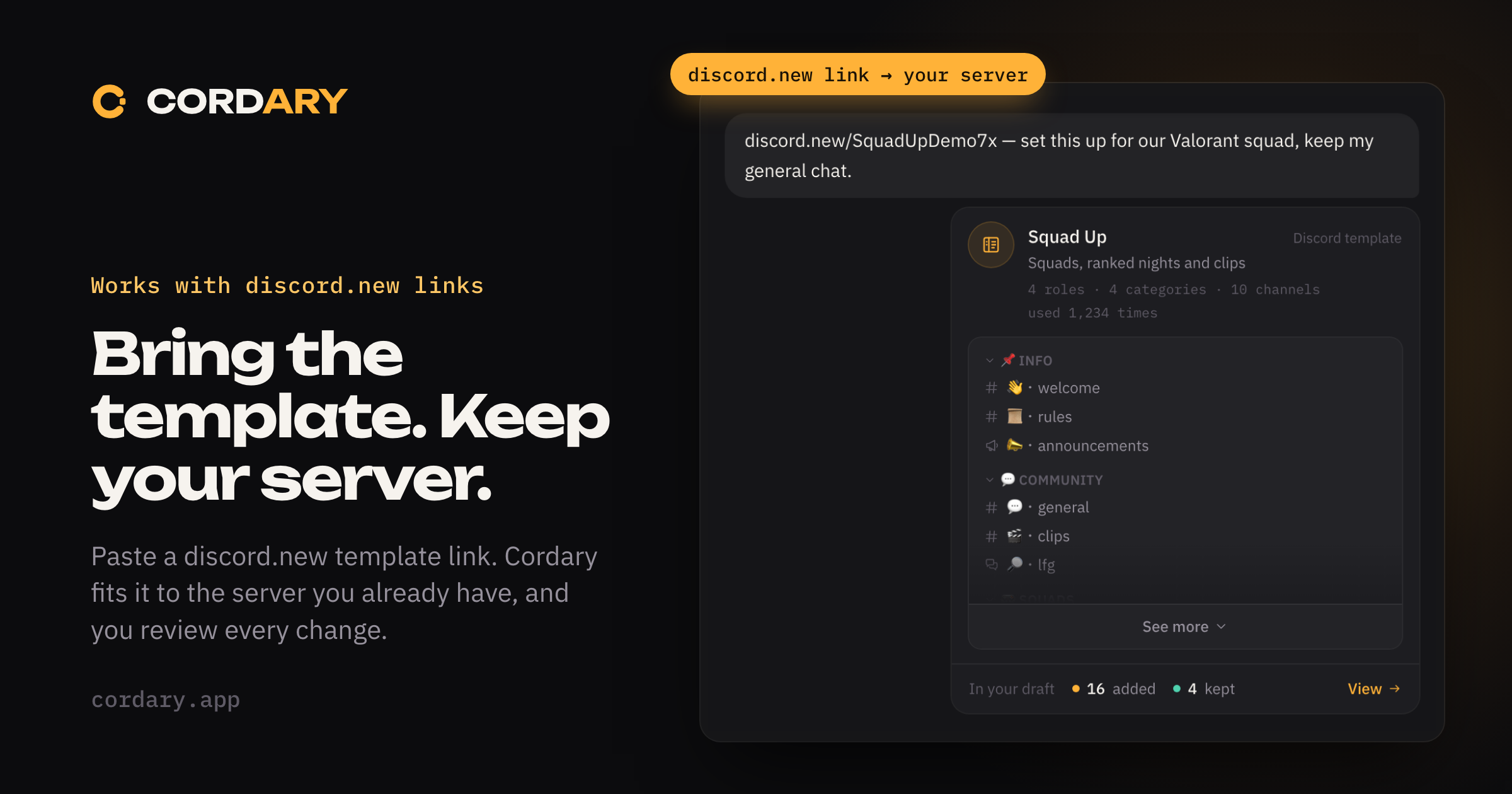
Discord templates only create new servers. Here's how to bring a template's channels, roles and permissions into a server you already run, by hand or with Cordary.