guides
10 Things to Check in Your Discord Server's Roles, Permissions and Layout
A checklist of ten permission and layout problems that most Discord servers have, why each one matters, and how to fix it. Check them yourself or run a free checkup.
20 posts tagged #permissions.
guides
A checklist of ten permission and layout problems that most Discord servers have, why each one matters, and how to fix it. Check them yourself or run a free checkup.
guides
A walk through Cordary's Checkup tab. Read the findings, fix one with a change you review, dismiss what's fine, run the full checkup, and set up scheduled checkups with an optional Discord post.
updates
Cordary answers questions about your Discord server, like who can see a channel or what a role can do, without drafting changes you didn't ask for.
updates
Paste a Discord server template link and get a free checkup of its roles, channels and permissions in seconds. No sign-in needed, and you can share the results or fix them with Cordary.
updates
Cordary's new checkup reads your roles, channels and permissions, lists what to fix, and drafts each fix for you to review. Free to run, with an optional AI review and scheduled checkups.
guides
Many Discord bots ask for Administrator. Here's what it really allows, when it's reasonable, when to say no, and how to check what a bot can do in your server.
guides
Every Discord voice permission explained: Connect, Speak, Video, Mute, Deafen and Move Members, plus how to set up staff voice powers, private voice rooms and user limits.
guides
A Discord layout for a small business: announcements, FAQ, customer support, feedback and a private staff area, plus roles, permissions and tips for keeping customers' details private.
guides
How to make a Discord channel that everyone can read but only staff can post in, for rules, announcements and info, plus the thread, reaction and category settings people miss.
guides
A step-by-step guide to connecting ChatGPT, Claude or another AI assistant to your Discord server through Cordary, so it can draft changes you review before anything happens.
guides
A step-by-step guide to the Cordary workspace: find things, edit channels, roles, permissions, settings and posts, drag to reorder, undo, then review and apply.
updates
The Server tab is now a workspace. See your whole server in one list and change channels, roles, permissions, settings and posts yourself, with every edit reviewed before it's applied.
updates
When you add Cordary to a server, you now choose what it holds. Administrator means no permission hiccups; the standard set is there if you'd rather keep it trimmed.
guides
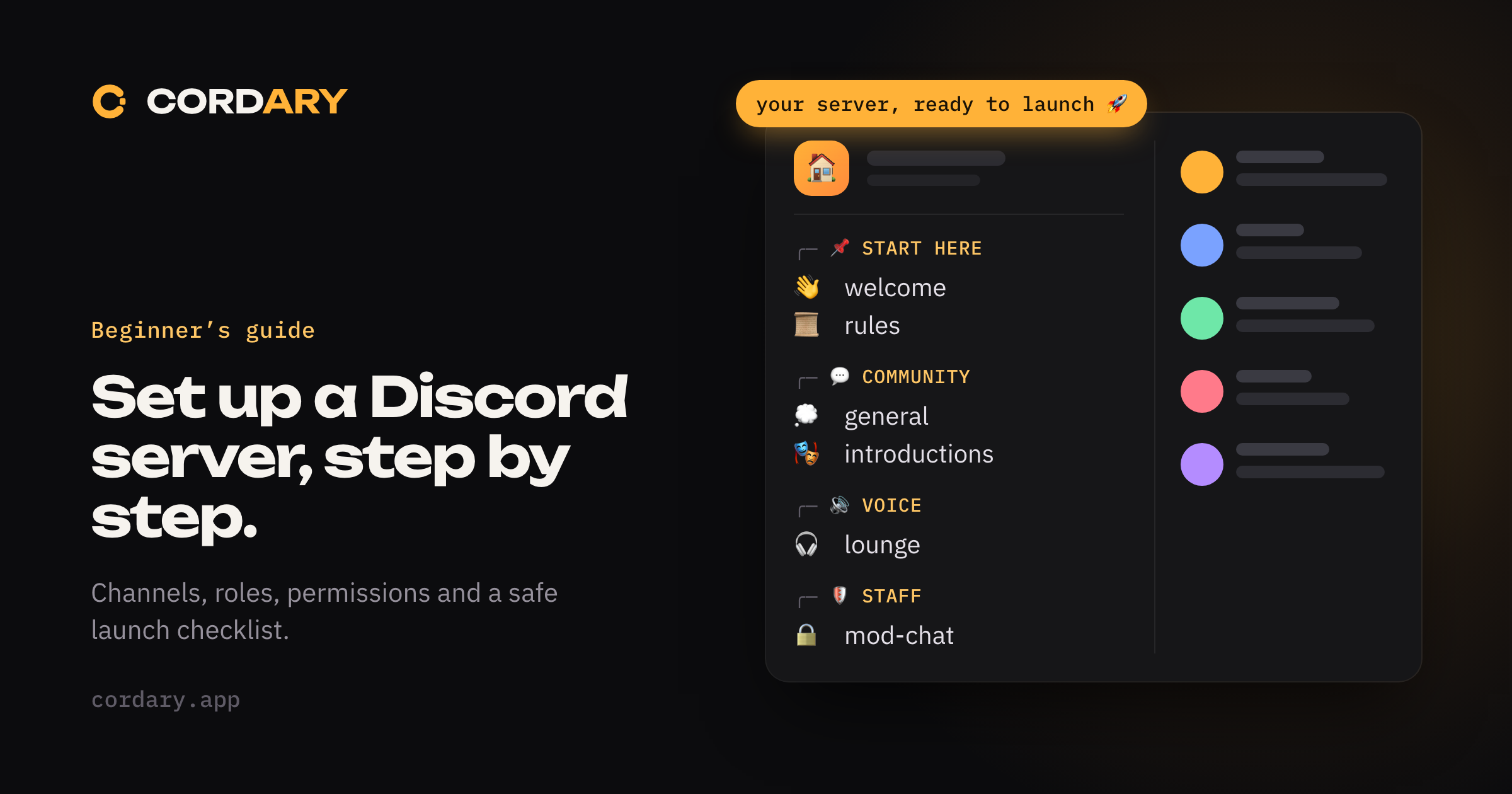
A step-by-step guide to setting up a Discord server: plan your channels, create roles, lock down permissions, add safety settings and prepare for launch.
guides
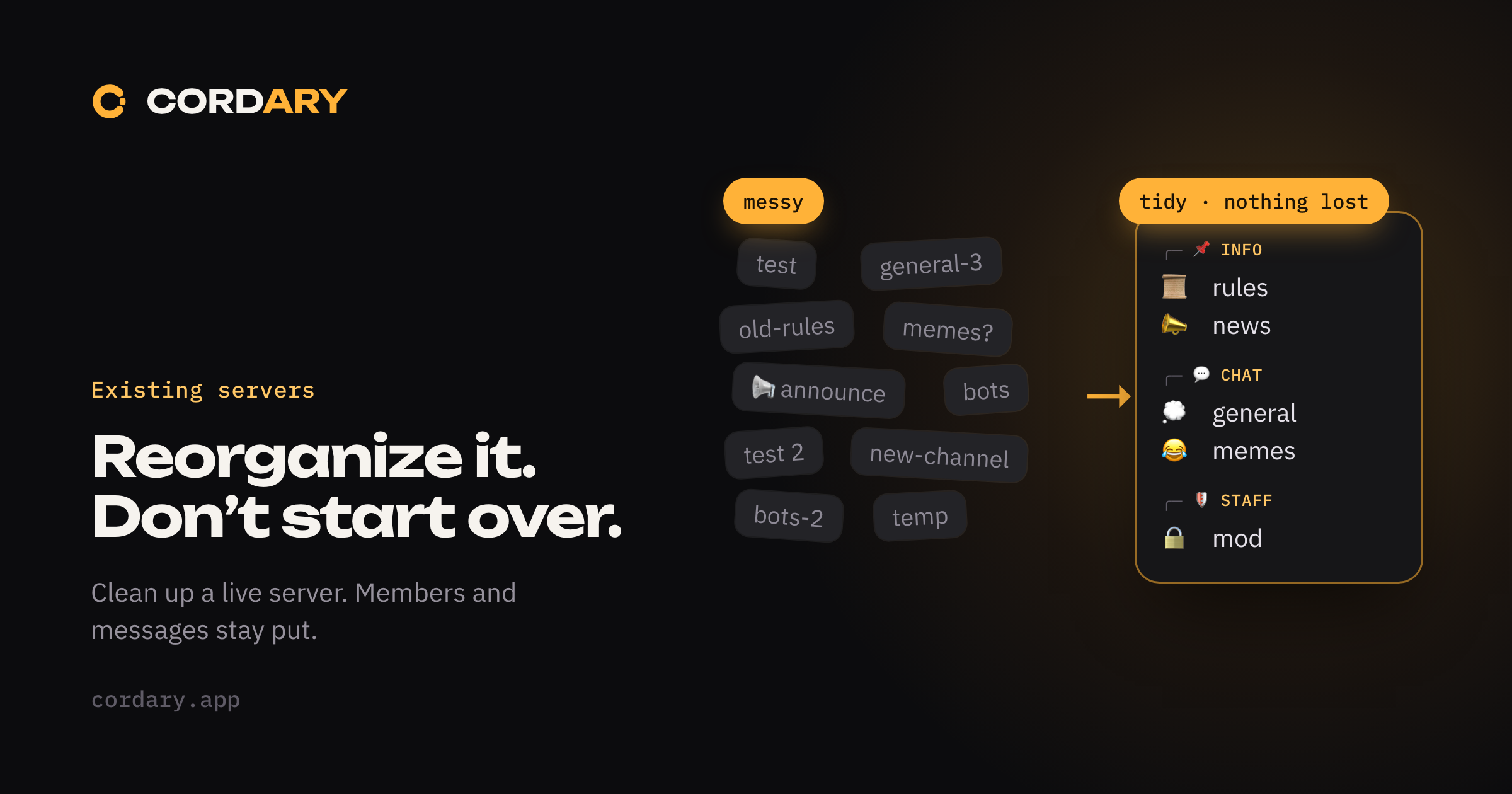
Clean up a running Discord server without losing members or messages: audit channels, regroup them, archive instead of deleting, and keep permissions intact.
guides
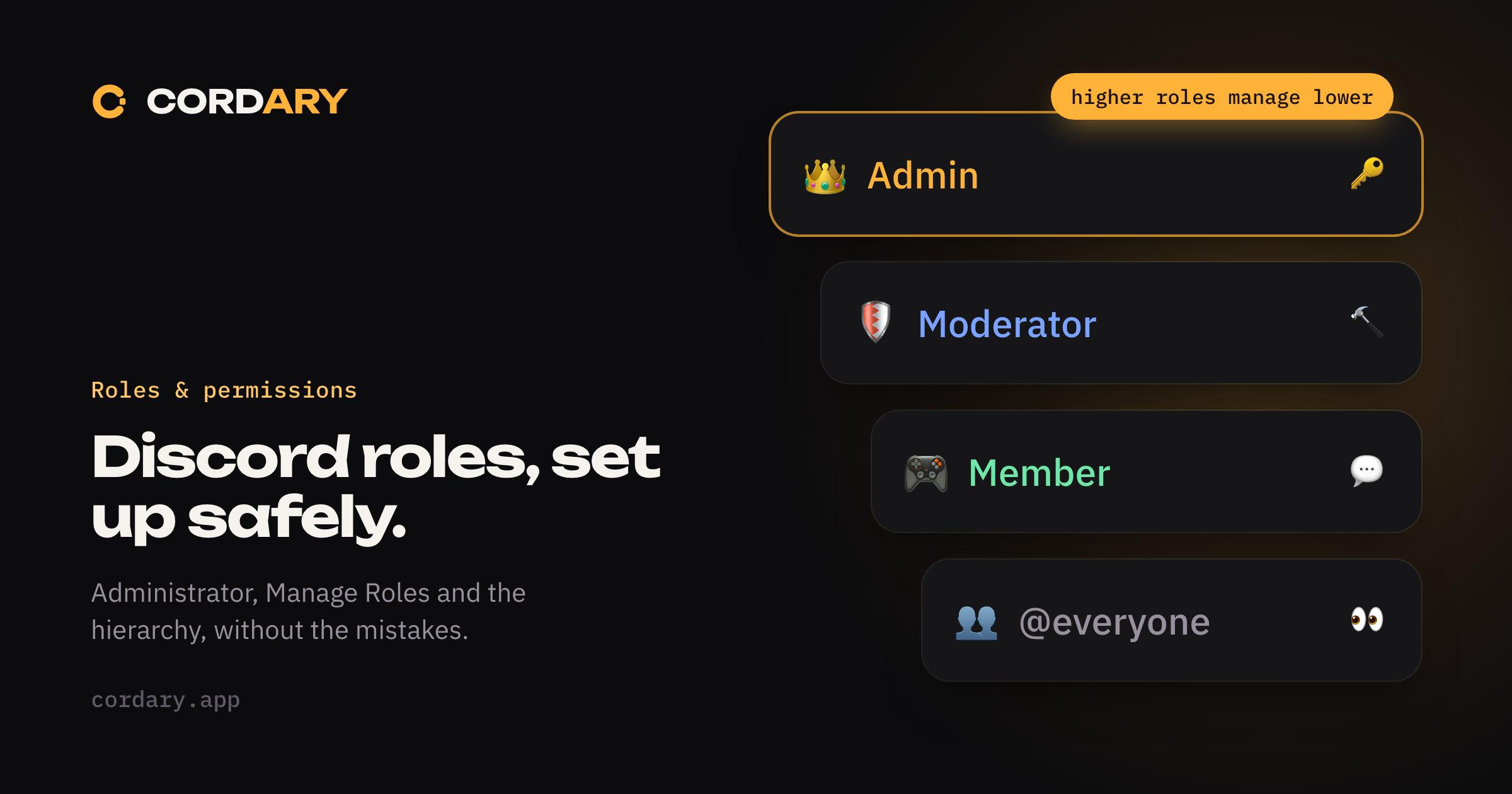
How Discord roles, the role hierarchy and permissions work, which permissions are dangerous, and how to set up staff roles and @everyone without opening a hole.
guides
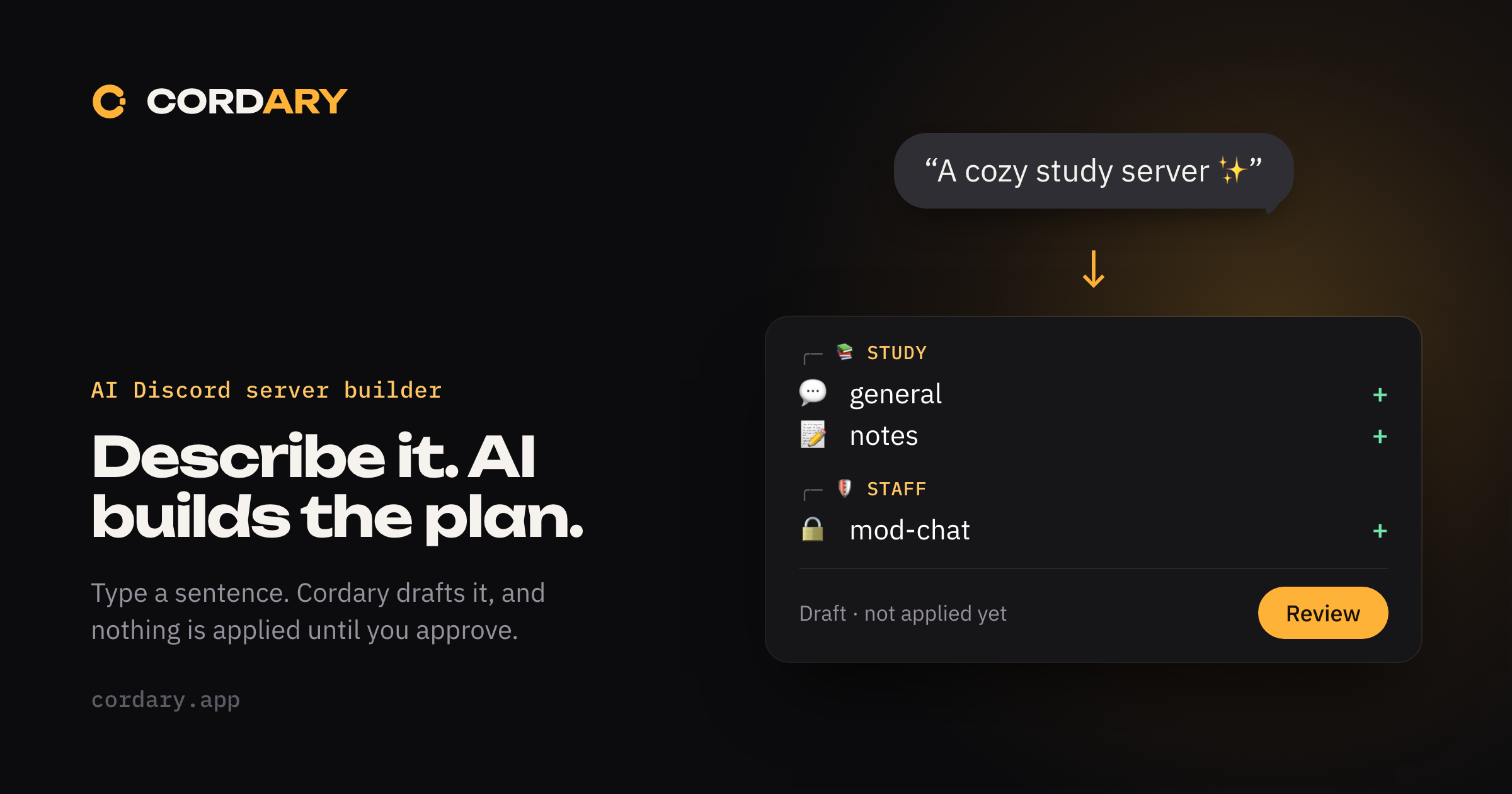
How to use AI to plan and build a Discord server: describe your community, review the draft roles, channels and permissions, then apply only what you approve.
guides
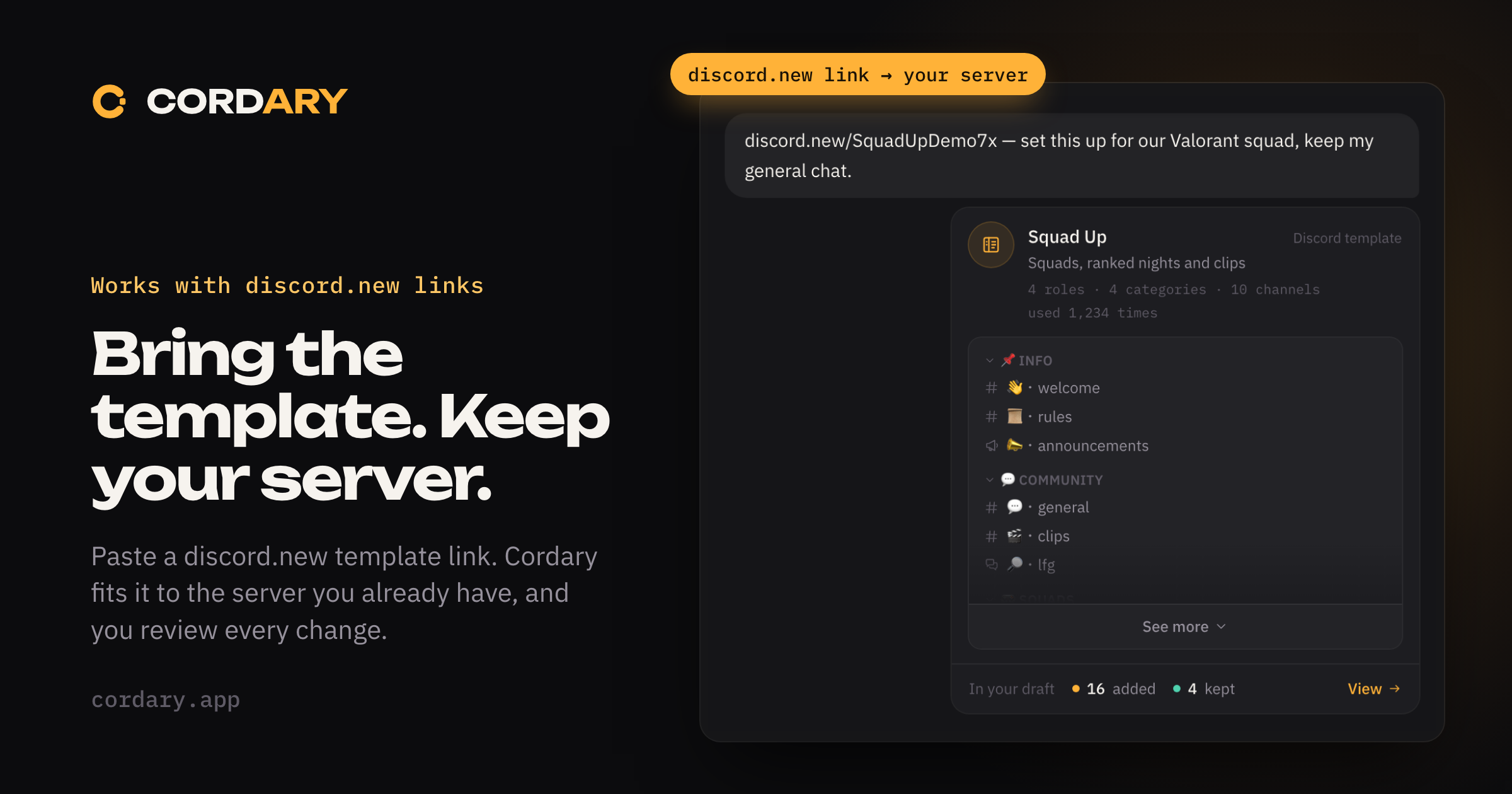
Discord templates only create new servers. Here's how to bring a template's channels, roles and permissions into a server you already run, by hand or with Cordary.
updates
Cordary now reads Discord server templates and fits them around the channels and roles you already have. You review every change before anything happens.
guides
Learn how Discord role conflicts, permission overrides, and category syncing can accidentally expose private channels.