Cordary TeamOfficial Cordary account5 min read
Best Discord Server Layout for a Gaming Community: Roles, Channels & Voice
Complete Discord layouts for gaming: a small squad, a clan and a growing community, with channels, voice rooms and roles for each, plus mistakes to avoid.
In this post
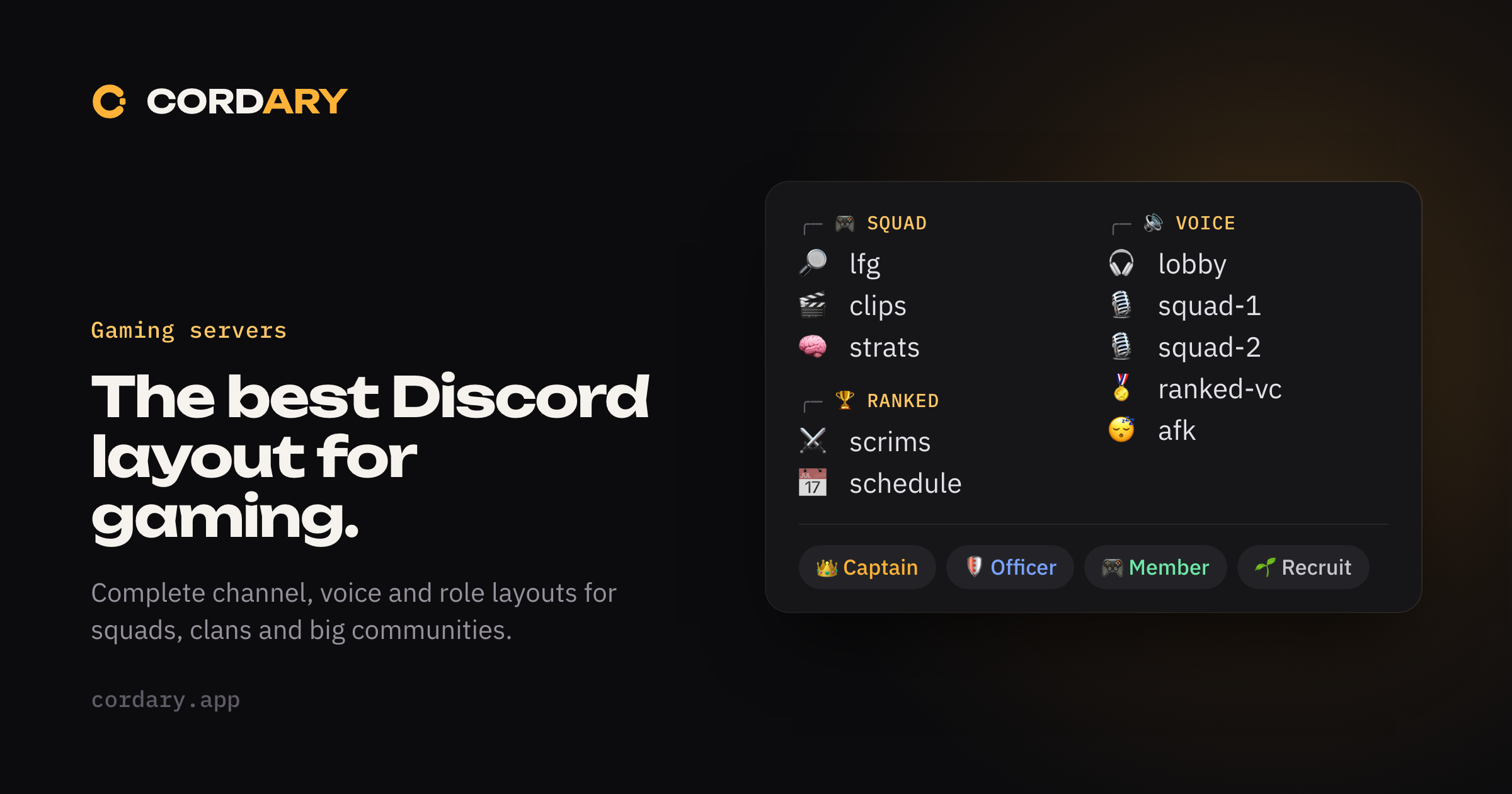
A gaming server has different needs from a general community. People come to find teammates, share clips, talk in voice while they play, and coordinate times. A layout that works for a study group or a fan club will feel wrong.
Below are three complete layouts: a small squad, a clan, and a growing community. Pick the one that matches where you are, and expect to move up as you grow. For the basics behind them, see our beginner's guide.
What a gaming server needs
Whatever the size, the same few things matter:
- A way to find people to play with (a looking-for-group channel)
- Voice that matches how people actually play (a lobby, and rooms for groups)
- A place for clips and screenshots, kept out of the main chat
- Clear roles for leaders, regulars and newcomers
- A quiet staff area
Layout 1: A small squad (up to about 15 people)
Friends who play together don't need much, and too many channels make a small server feel empty.
| Category | Channels | Purpose |
|---|---|---|
| INFO | #rules, #announcements |
The basics |
| SQUAD | #general, #lfg, #clips |
Chat, finding games, highlights |
| VOICE | Lobby, Squad 1, Squad 2 |
Talk while you play |
Roles: Leader, Member.
Notes: keep voice simple: a lobby to gather in and a couple of rooms to split into. If you only ever play in one group, one voice channel is fine.
Layout 2: A clan (about 15 to 100 people)
A clan has structure: leaders, regulars, new recruits, and scheduled play. You need to separate organization from chat.
| Category | Channels | Purpose |
|---|---|---|
| START HERE | #welcome, #rules, #apply |
Onboarding and recruitment |
| INFORMATION | #announcements, #schedule |
What's happening and when |
| COMMUNITY | #general, #lfg, #clips, #memes |
Everyday talk |
| STRATEGY | #strats, #scrims, #results |
Practice and competition |
| VOICE | Lobby, Squad 1, Squad 2, Ranked, AFK |
Voice rooms |
| STAFF | #leaders, #mod-log |
Private coordination |
Roles: Captain, Officer, Member, Recruit.
Notes:
- A Recruit role with limited access gives new members a way in without trusting them with everything. Promote them to Member after a trial.
- Make
#scrimsand#stratsvisible to Members and above, so you can talk tactics without outsiders reading them. - Set a server AFK channel and timeout in Server Settings so idle people don't hold voice rooms.
Layout 3: A growing community (100 people and more)
Once a server hosts several games or hundreds of people, the main risks are noise and moderation load. Split by game, keep general chat contained, and give staff proper tools.
| Category | Channels | Purpose |
|---|---|---|
| START HERE | #welcome, #rules, #roles |
Onboarding and picking games |
| INFORMATION | #announcements, #events, #patch-notes |
Updates |
| COMMUNITY | #general, #introductions, #clips, #off-topic |
Shared chat |
| GAME 1 | #game-1-chat, #game-1-lfg, #game-1-strats |
One category per game |
| GAME 2 | #game-2-chat, #game-2-lfg, #game-2-strats |
Repeat as needed |
| VOICE | Lobby, Game 1 Squad 1, Game 1 Squad 2, Game 2 Squad 1, Ranked, AFK |
Voice by game |
| SUPPORT | #help, #feedback |
Questions and suggestions |
| STAFF | #mod-chat, #mod-log, #reports |
Private |
Roles: Owner, Admin, Moderator, Event Team, game roles (one per game), Member.
Notes:
- Game roles let members opt into the games they play, so people only see the channels they care about. They're cosmetic and access roles, not permission roles.
- Use forum channels for
#lfgor#stratsif you enable Community features, so each request or guide is its own thread rather than a stream of messages. - Add a Moderator group before you need one. A growing server draws spam and conflict.
- The more games you add, the more important it is to keep each category identical in shape, so people learn the pattern once.
Voice channels: what works
Voice is the heart of a gaming server, and it's easy to get wrong.
- Start with a lobby. One place where everyone lands, and a few rooms to split into.
- Name rooms by use, not by number, once you grow:
Ranked,Casual,Chill. - Set user limits on squad rooms (for example 5 in a 5-player game) so a room doesn't fill with spectators.
- Add an AFK channel so idle members get moved out automatically.
- Don't over-build. Ten empty voice rooms make a server feel dead. Add a room when two existing ones are regularly full.
- Consider who can mute, deafen or move people. Squad leads sometimes need Move Members to rearrange a lobby. Give those voice permissions to a small group, not everyone.
Roles that work for gaming
| Role | Gets | Purpose |
|---|---|---|
| Captain / Admin | Management permissions | Runs the server |
| Officer / Moderator | Timeout, Manage Messages, Move Members | Keeps order, helps in voice |
| Member | Chat, voice, clips | Everyone approved |
| Recruit / New | Limited access | Trial period |
| Game roles | Access to a game's channels | Opt-in sorting |
| Rank roles | Nothing, just a label | Show off, find equals |
A word of warning on rank roles: they're fun and they change constantly. Keep them cosmetic, with no permissions attached, so a rank change never changes what someone can do. Our guide to roles and permissions explains how to keep that line clear.
Naming and style
- Keep channel names lowercase and short:
#lfg,#clips,#strats. - Emoji prefixes (🎮, 🏆, 🎧) help people scan a busy sidebar. Use them for categories and key channels, not every name. They're harder to type and search.
- Use the same pattern in every game category so members always know where things are.
Common mistakes
- Too many voice rooms. Empty rooms signal an empty server.
- One giant
#general. Clips, LFG and chat drown each other out. - No LFG channel. People can't find teammates, so they leave.
- Permissions on rank roles. A promotion changes what someone can do.
- Everyone is a moderator. Staff tools in too many hands become a risk.
- Copying a big server's layout on day one. Start from the layout that matches your size.
Pick a layout, then build it
You can build any of these by hand with the steps in our beginner's guide, or paste a Discord template into Cordary and fit it around the server you already have.
Or just describe it. Cordary can draft the whole layout from a sentence like "a Valorant clan of about 40 with officers, a recruit trial, scrims and voice rooms for two squads". You review the roles, channels and permissions it proposes, and nothing is applied until you approve it. If you give your leaders voice permissions like Move Members, Cordary can set those up once you turn them on for your server. It never uses them itself.
Start with the smallest layout that fits, and let your community tell you what to add next.
More in #guides
How to Use Cordary's Checkup: Findings, Fix This and Scheduled Checkups
A walk through Cordary's Checkup tab. Read the findings, fix one with a change you review, dismiss what's fine, run the full checkup, and set up scheduled checkups with an optional Discord post.
Should You Give a Discord Bot Administrator? When It's Fine and When It Isn't
Many Discord bots ask for Administrator. Here's what it really allows, when it's reasonable, when to say no, and how to check what a bot can do in your server.